Premium Feature | Available to Platinum & Diamond Plan Sellers
Before you start
Before connecting Printify to your shop, make sure:
- Your Big Cartel shop is active
- You have or are ready to create a Printify account
- You have artwork or product ideas ready to upload
A paid Big Cartel plan is required to connect and use the Printify integration.
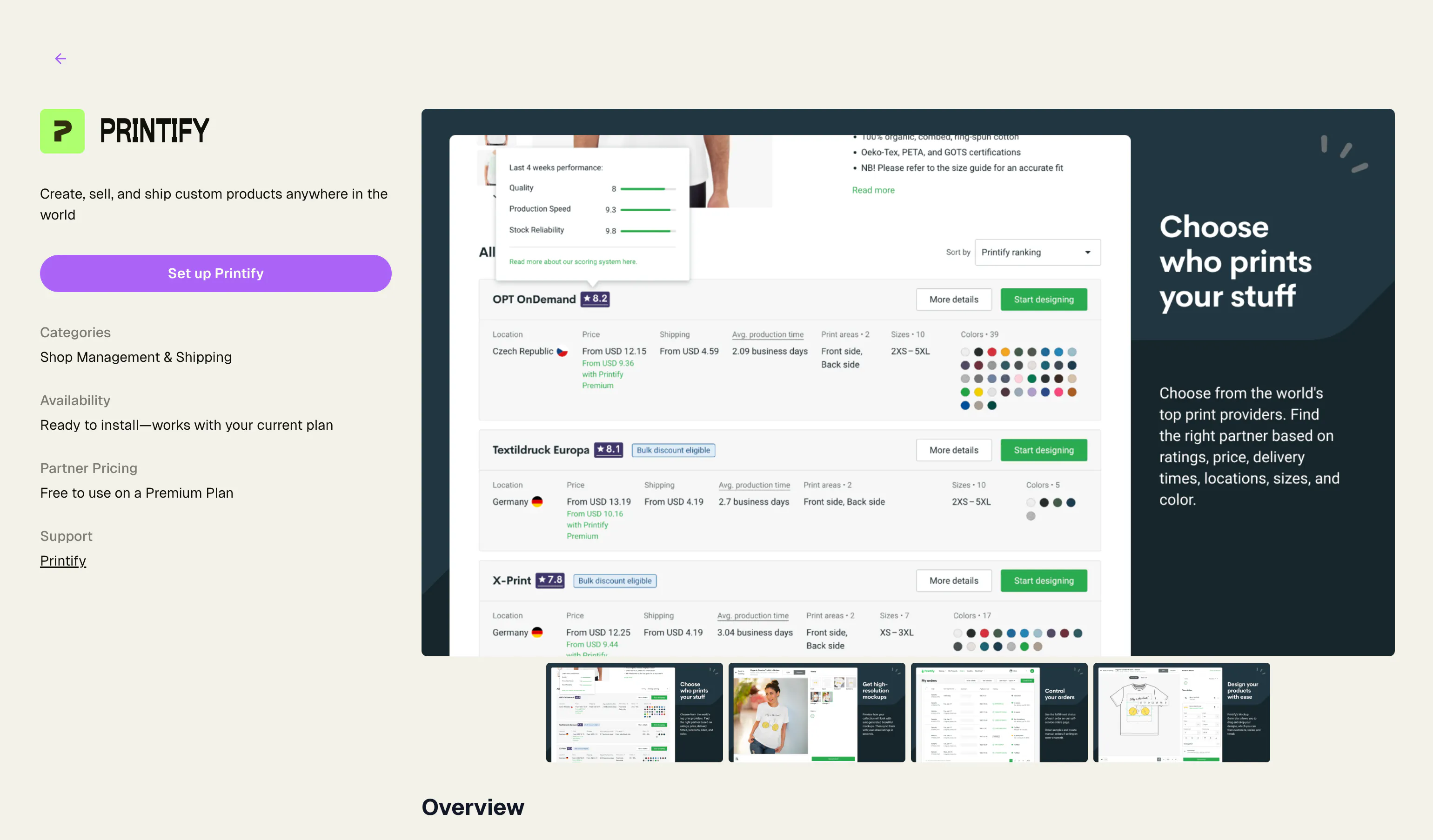
How to connect Printify to Big Cartel
Step 1: Start the integration
Go to the Printify integration page and tap Set up Printify.
Step 2: Connect your shop
When prompted, authorize Printify access to your Big Cartel shop.
Step 3: Complete setup in Printify
You’ll be redirected to Printify to:
- Create or connect your Printify account
- Configure your shop connection
- Start creating products
Create products in Printify

Step 1: Choose a product
Browse Printify’s product catalog and select a product you want to customize.

Step 2: Upload your artwork
Add your artwork or designs using Printify’s design editor.
Step 3: Customize product details
Adjust:
- Product colors
- Variants
- Mockups
- Pricing
- Product descriptions
Step 4: Select a print provider
Choose a print provider based on:
- Pricing
- Production location
- Shipping speed
- Reviews and ratings
Publish products to Big Cartel
When your product setup is complete:
- Click Publish
- Select your connected Big Cartel shop
- Review product details
- Publish the product
Printify will automatically sync the product to your Big Cartel shop.

Manage orders and fulfillment
When customers place orders through your Big Cartel shop:
- Orders sync to Printify
- Printify sends the order to your selected print provider
- The provider prints and ships the order directly to your customer
You can monitor production and shipping status directly inside Printify.
Edit products and pricing
You can update products anytime inside Printify, including:
- Pricing
- Mockups
- Variants
- Product descriptions
- Artwork
Some updates may require republishing products to sync changes to your shop.
Troubleshooting
Products aren’t syncing to Big Cartel
Check that:
- Your shop connection is active
- The product was published successfully
- Your Big Cartel paid plan is active
Orders aren’t appearing in Printify
Verify that:
- Orders were successfully paid
- The integration is connected properly
- The product was originally created through Printify
Product changes aren’t updating
Some product edits require republishing the product from Printify to sync updates to Big Cartel.
Shipping rates or fulfillment times look incorrect
Shipping costs and production times vary depending on the print provider you select.
Review provider details directly inside Printify.
Common mistakes
Publishing products before reviewing mockups
Always review mockups, product descriptions, and variants before publishing.
Choosing providers only based on price
Lower-cost providers may have slower production or shipping times.
Forgetting to order samples
Ordering samples can help verify print quality and product accuracy before selling publicly.
Expecting non-Printify products to sync
Only products created and published through Printify sync with the integration.
Not reviewing shipping settings
Shipping costs and fulfillment times vary between print providers and regions.
Need help?
If you run into issues with setup, syncing, product publishing, or fulfillment, reach out through our support center.
For Printify-specific questions about products, print quality, fulfillment, shipping, or billing, you can also contact Printify Support directly through your Printify account.