Ready to get started like now? We respect your hustle. Jump right to our sign up form or check out our plan options.
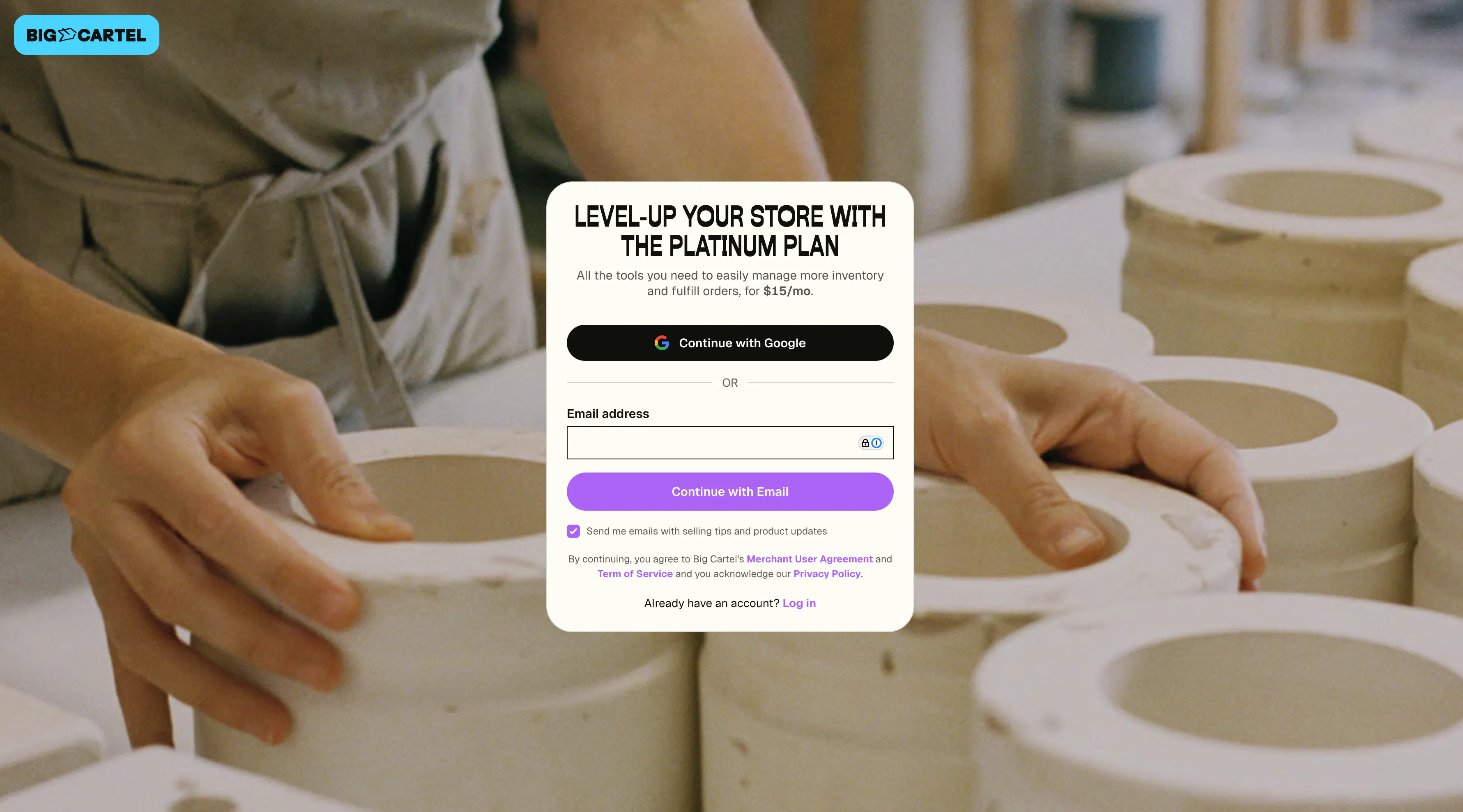
Create a Big Cartel account
To create a Big Cartel shop, you can sign up in one of two ways:
- Email address and password
- Google or Apple account
Sign up with email and password
Email address
This is the email we’ll use to send important notifications about your shop. It’s also where messages from your shop’s contact form will be delivered.
Be sure to double-check that it’s entered correctly so you don’t miss any updates.
Password
Create a strong password for your account — something unique and hard to guess (so… maybe skip “password” or “1234”).
If you ever forget your password, you can request a password reset, and we’ll send instructions to the email address associated with your account.
Sign up with Google or Apple
You can also create your account using an existing login:
- Google — available on the web and in the Android app
- Google or Apple — available in the iOS app
When you sign up this way, you’ll log in using your Google or Apple account instead of creating a password.
Note: Only one Big Cartel account can be connected to a Google or Apple login.
Steps
- Head to bigcartel.com/pricing.
- Choose the right plan for you.
- Fill in your email and password or use your Google account.
- Read and accept our Merchant User Agreement.
- Click Sign up (or complete billing info for a paid plan).